Layers
A Layer in LabIMotion denotes a distinct level or stratum within a template. It serves as a foundational building block, organizing and compartmentalizing various aspects of data and functionality. Each layer holds specific operations, visual representations, or functional components that contribute to the overall structure and behavior of the template.
User Interface
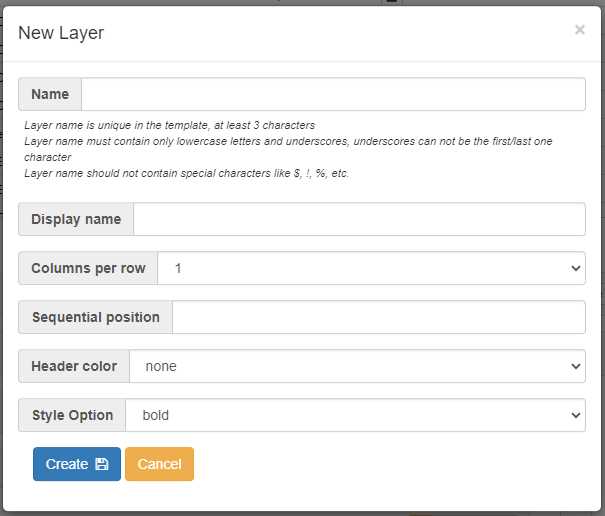
Layer Attributes
The attributes are listed below in the order presented within the user interface.
Name
A distinctive identifier within the template. It won't be editable once the layer is created.
Display Name
A more easily readable and understandable name is presented to end-users, aiding them in recognizing and understanding the layer they are interacting with.
Columns Per Row
The number of columns to display in a single row.
Sequential Position
The order of the layer relative to the other layers.
Header Color
The color is applied to the layer's header.
Style Option
The basic font style of the layer title.
Used In Workflow?
This attribute indicates whether the layer is used in a workflow design process. It is only available in editable mode and applies exclusively to Generic Elements and Generic Segments.